![lyssn_mark (1).png]](https://knowledge.lyssn.io/hs-fs/hubfs/lyssn_mark%20(1).png?height=40&name=lyssn_mark%20(1).png)
Clear your Browser Cache
- Open Google Chrome
- Click the 3 vertical dots at the top right of the window

- Select “Settings”
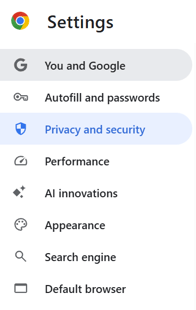
- On the left menu, select “Privacy and Security”
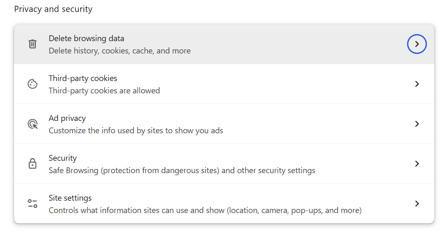
- Select “Delete browsing data”
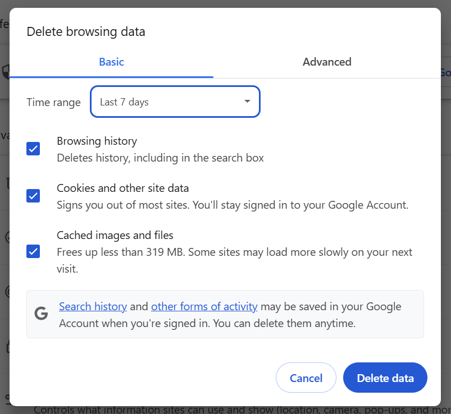
- From the Time Range dropdown, select “Last 7 Days”. Ensure all boxes are checked and then click “Delete Data”